Disclosure: Some of the links in this post may contain affiliate links, so if you click on the link and purchase the item, I will receive a commission.
Tracking the books you’ve read can be a game-changer for your reading life. Whether you’re trying to avoid buying duplicate books, remember what you’ve read over the years, or build better reading habits for yourself or your kids, having a system in place makes all the difference.
In this post, I’m sharing the best ways to track books, including popular book-tracking apps, low-tech methods and kid-friendly option – plus how I personally keep track of my reading.
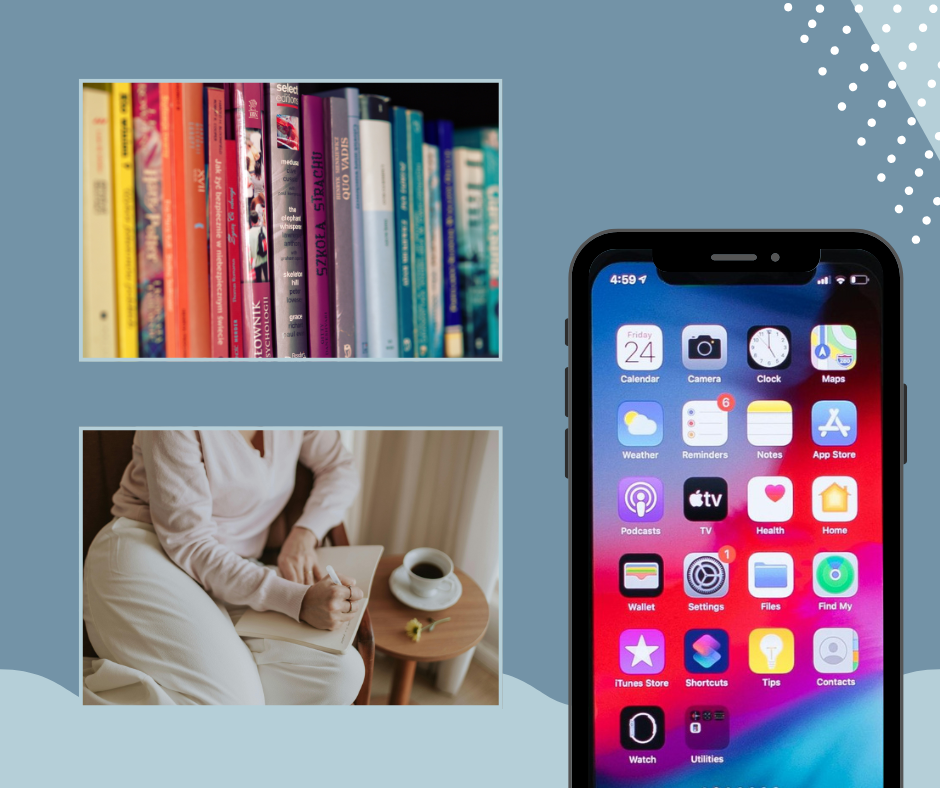
Why Track Your Books to Begin With
One of the main reasons I track the books I’ve read is to avoid accidentally buying duplicates or unintentionally reading a book I’ve already read. Having a “master list” of books I’ve read makes it so much easier to decide what to read next or what to buy.
A few years ago, I catalogued all the books we owned and noted which ones I had already read. I wish I had started tracking books as a kid – what a cool list that would be to have now. I also wish I had tracked the books my boys have read since they were born. If you’re thinking the same thing, there’s no better time to start than now!
Book Tracking Apps & Websites
If you’re looking for a digital way to track your reading, there are plenty of book apps and websites to choose from. The best one for you depends on whether you value social features, statistics, cataloging, or simplicity.
| App | Best For | Price | Platform | Tag Line |
| Book Buddy | Cataloging personal library, organizing shelves | Free (limited) / Paid upgrade for full library | Web, iOS, Android | Your Ultimate Book Companion! |
| Book Catalogue | Tracking every reading detail | Free | Android | – |
| Bookmory | Tracking Personal Reads | Free | iOS, Android | Unleash Your Inner Bookworm. |
| Bookshelf | Library + reading tracker | Free | iOS, Android | Your Ultimate Library Companion! |
| Fable | Social reading & book clubs | Free or subscription | iOS, Android | The social app for bookworms. |
| Goodreads | Large community and social features | Free | Web, iOS, Android | The right book in the right hands at the right time. |
| Libib | Cataloging books and media | Free + optional Pro tier | Web, iOS, Android | Cloud Cataloging |
| The StoryGraph | Stats and personalized recommenda-tions | Free (core), optional paid plan | Web, iOS, Android | Because life’s too short for a book you’re not in the mood for. |
How I Track My Books
Goodreads
I use Goodreads to track only the books I’ve read. I love how easy it is so scan a bar code, let the book populate automatically, and add it to the appropriate shelf. I don’t use the social features, reading challenges or “Books I Want to Read” – just a clean list of completed reads.
Side note: I do wish Goodreads allowed an easy way to distinguish books I own vs. books I’ve read. Keeping a list of owned books would be helpful for insurance reasons purposes in case of loss.
Amazon Wishlist
I keep a running wishlist on Amazon of books I want to read. While many apps have a “want to read” feature, I prefer Amazon because I can see prices and easily share the list for holidays and birthdays.
💡 If you’re interested in reading more about how I track my books, check out 500 Books Later: How Goodreads Helped Me Track My Reading Life and How I Track the Books I’ve Read (and Want to Read).
What Kind of Reader Each App is Best For
Book Buddy: Ideal for collectors of physical books, anyone with a personal library, readers who lend books to friends or want to keep track of what’s on their shelves.
Book Catalogue: Ideal for organization-focused readers who want to digitally catalog every book they own without focusing on reading challenges or community features.
Bookmory: Great for readers who want a personal, detailed reading tracker with visual stats and habit-building features — without social distractions.
Bookshelf: A hybrid option for readers who want both a reading tracker and a digital library dashboard with goals, collections, and recommendations.
Fable: Perfect for readers who love social and interactive reading experiences, book clubs, shared discussions, tracking your reading goals and stats, and discovering new books through community engagement.
Goodreads: Readers who appreciate social reviews, want to see what many other readers think before diving in, or enjoy sharing and discussing books.
Libib: Anyone with a large personal library or mixed media collection; collectors; people who want a flexible, device-friendly catalog system.
The StoryGraph: Readers who care about tracking habits, want personalized reading journeys, prefer data and metrics, or want a clean alternative to mainstream platforms.
Which Book App Should You Choose?
If you’re unsure where to start, here’s a quick guide:
- Best for social reading and community recommendations: Goodreads
- Best for cataloging a personal library: Book Buddy or Libib
- Best for reading tracking, stats, and personalized experience: The StoryGraph
- Best all-around for collectors (books + media): Libib
Low-Tech or No-Tech Ways to Track Your Reading
Not into apps? These simple methods work just as well:
- Word Document or Excel Spreadsheet: Track data fields like Title, Author, Date Read, Own vs. Borrowed, Review, etc.
- Basic Notebook: A handwritten list is simple, satisfying and distraction free.
- Book Journal: There are tons of reading journals available that let you log books, ratings and reflections.
Best Ways for Kids Track Their Reading
Tracking reading for kids helps build habits and motivation – and it’s fun to look back on later.
- Word document or spreadsheet – simple and flexible
- Beanstack app – kids can log books, pages or minutes read; bar code scanning makes it easy
- Readling app – helps kids track books and discover new ones
Final Thoughts
Tracking your reading can seriously elevate your reading life — whether you’re trying to read more consistently, discover new books, or simply stay organized. There’s no “right” system, just the ones that works best for you.
How do you track books? Are there apps or methods from this list you want to try? Share in the comments!

Leave a Reply to A Look Back at 2025: Every Book I Read This Year – Readers Gotta Read Cancel reply